

iOS devices have a built-in 'Restrictions' feature that allows you to disable Safari and setup a Safe Browser for internet use. How about Android? How do you restrict apps on Android, and ensure that the Safe Browser is not circumvented?
App Restrictions for Android
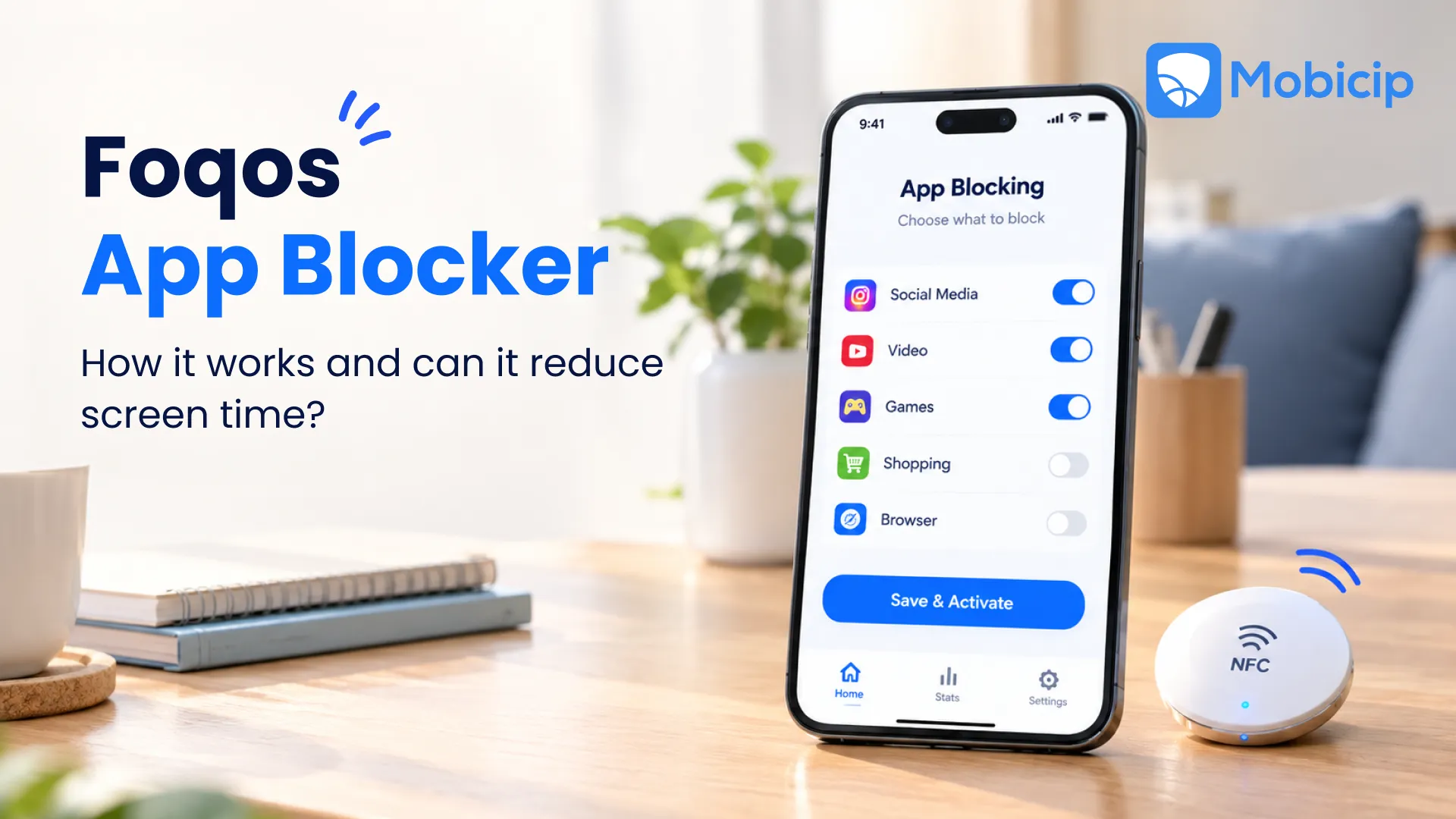
Android does offer content filtering for the Google Play Store, and password protection to prevent accidental purchases. However, it does not include a 'Restrictions' feature similar to iOS to lock down apps. Not to worry! The Mobicip Safe Browser for Android includes just such a feature.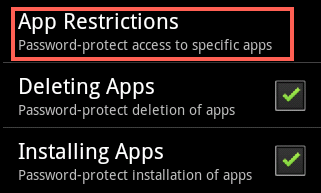 Launch Mobicip and go to Menu > Settings > App Restrictions. You will see a list of all apps on the device. Make sure to review each one and restrict any that is a browser or includes a browser. Put together, the Android controls and the Safe Browser's App Restrictions offer a practical way to create a safe experience for your kids on Android smartphones and tablets. You must also get acquainted with some iOS parental control hacks your children might use. Also, you can always learn how to set parental controls on YouTube and other apps that your children use. There are ways to restrict YouTube on your child’s Android device, as well! To report issues or feedback, please contact support. If you are happy with Mobicip, please leave a quick review in the Apple App Store or Google Play store. Your feedback and support is much appreciated!
The Mobicip crew
This is a copy of the latest Mobicip Newsletter. Click here to subscribe.