


The App store doesn't always classify apps in the right categories. Mobicip lets you curate apps for your family by manually assigning apps on your child’s device to categories - Social Media, Entertainment, and Games.
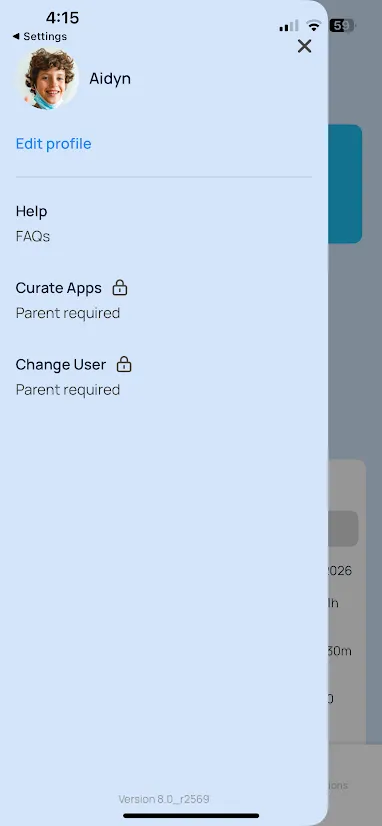
To curate apps, open the Mobicip app on your child’s device, go to Menu > Curate Apps, and authenticate using your Mobicip account credentials.
Curating apps helps Mobicip understand how your child spends time on entertainment-focused apps such as social media, games, and video apps more accurately. This improves screen time insights and activity reporting for your family.
Mobicip classifies these as Entertainment time for a child, while most apps in other Apple categories are not entertainment focused.
If you believe an app in a different category falls under social media or games or video, please go ahead and choose the app while choosing the category.
Parenting in the digital world isn’t always easy — but Mobicip is here to help make it simpler.. Follow us on our blog and social media for updates on the latest apps and digital trends children use today.


